1Hook · TalkingHook←→×
4s6s8s10s
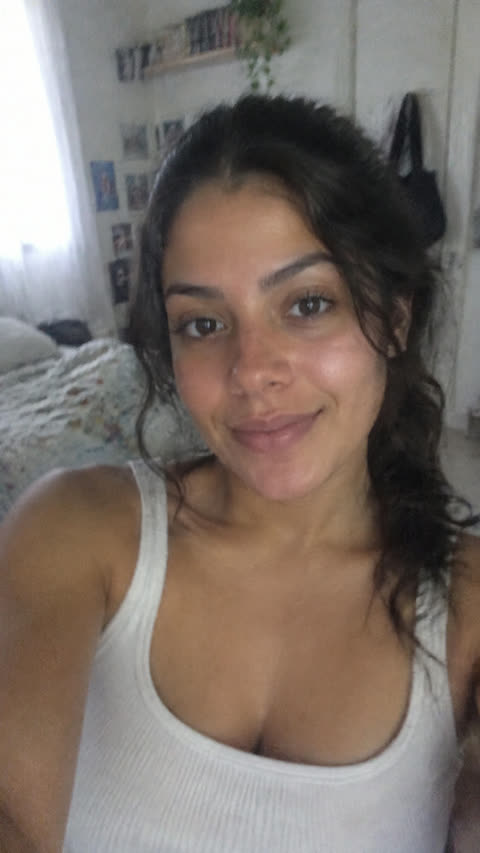 Camila
Guys, I used to think all serums were the same, and I was wrong.
14 words · Fits the scene.
Generate scene · ≈ 8
For Agencies, Digital Entrepreneurs, Media Buyers, Affiliates And Founders
Free to start · No card
Generate and edit videos with AI combining real video, AI video and motion graphics
Paste your website
The AI reads your whole brand: the product, the audience, the fonts, the colors and the way you talk.
It finds your competitors
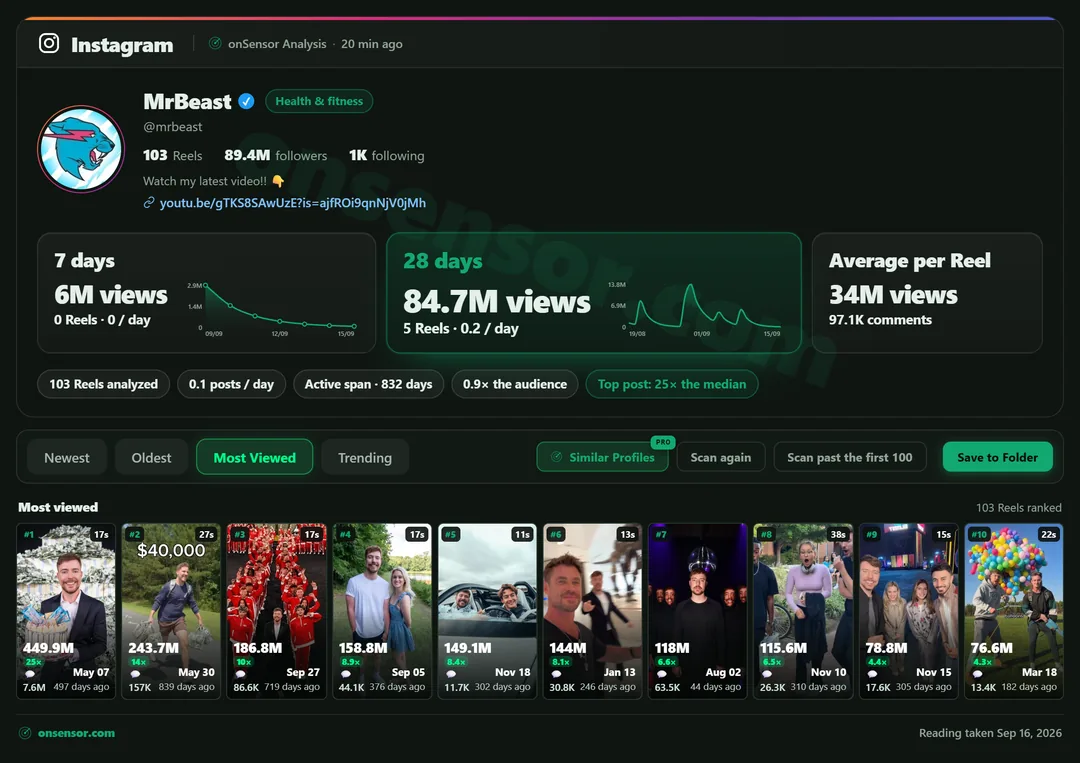
Then it learns what's working in your niche today, post by post, against each account's normal.
or add profiles with the extension
You create on top of what works
Videos, hooks and ads for your product, in minutes. You review, decide and post.
onSensor Studio
Ask the way you'd ask an editor. The studio builds it all on the canvas: the person, the product, the scenes with the line timed just right, and the finished video. Want to change something? Just ask.
Images
Creating Camila…
Scenes
3 scenes · 18 s · ≈ 39 credits
CamilaGuys, I used to think all serums were the same, and I was wrong.
14 words · Fits the scene.
CamilaI spent years trying expensive products and nothing worked, until a friend showed me this simple fix.
17 words · Fits the scene.
CamilaI use Luma every morning after my shower, and in two weeks my skin looked more even, more alive and not oily.
22 words · Fits the scene.
Final Video
Final video
Generating the scenes. The final video is put together right after.
Editing…
Format
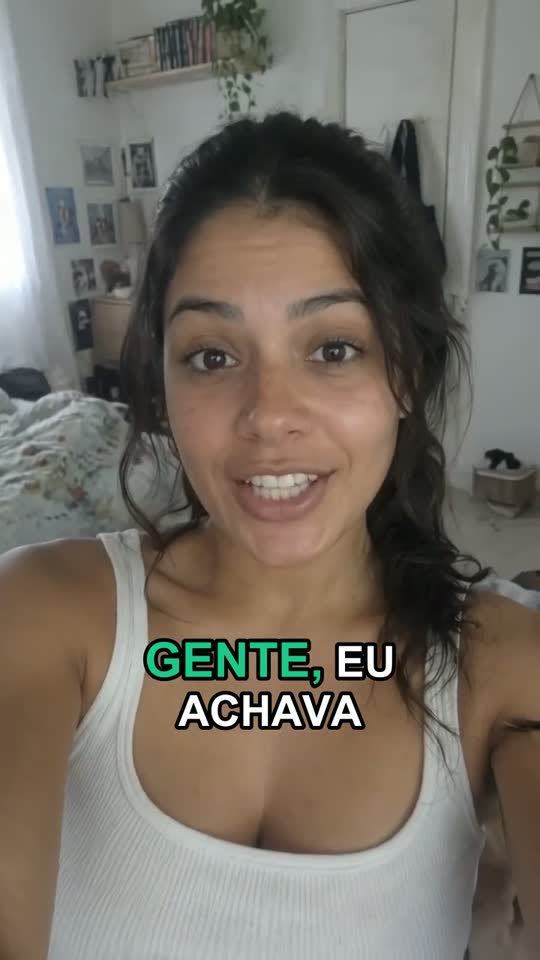 GENTE, EUSimpleGENTE, EUEditedGENTE, EUVery editedGENTE, EULo-fi UGCOriginal
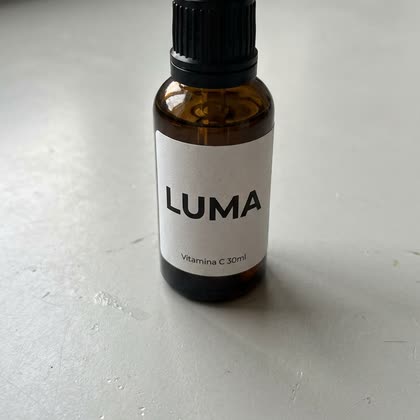
Plan · LUMA Vitamin C Serum
3 scenes · 18 s · ≈ 39 credits
These are the studio's real videos, and Camila speaks Portuguese in them. The text on the canvas is translated.
Under 3 minutes
From request to finished video, with the scenes, the line and the captions.
Edit by chat
Ask for the change your way: cuts, zoom, captions or a new scene. What didn't change stays the same.
Faithful person and product
The same person in every scene and your product matching the kit photo.
You approve first
See the plan and the credits before generating. Nothing goes out without you.
This Week's Data, Not A Template
What worked last month is already saturated. onSensor rereads your market around the clock, so every creative starts from what's working this week, not from a template frozen in time.
Formats In Your Niche · Times The Normal
Now: POV: 40x
No Need To Go Looking
When a format starts climbing in your niche or a competitor blows past their normal, you know right away: what happened and by how much it beat the normal.
Tutorial is at 36x in your niche
10 posts in this format went past the normal this week.
A competitor hit 12x their normal
A “POV:” with 47K views in 1 hour and 20 minutes.
New format climbing: before and after
Went from 4x to 12x in one week in your market.
How It Works
onSensor reads what's working in your niche right now and hands you ready-made ideas. You pick, we sketch, you approve and we create.
What's working in your niche right now.
You picked: problem and solution
The scenes, the line and the camera, with your product.
You read it, tweak what you want and approve. Nothing goes out without you.
UGC for your product, ready to post or run as an ad.
https://onsensor.com/api/mcpChrome Extension
While you browse Instagram, TikTok and Facebook, the extension reads the profile you have open and shows every post against the account's normal. Free.
How onSensor Knows
100K views on a 5M account is a flop. On a 20K account, it's a breakout. onSensor measures every post against the account's own median.
Account with 5M followers
100K views
Account with 20K followers
100K views
Organic And Paid
An AI scene, your own footage with AI scenes, or just your footage edited by the studio. Plus slideshows, carousels and ads.
I thought they were all the same
AI scene
The whole video with AI: the person, the place and your product in hand.
Look what arrived today
Your footage + AI scene
Upload what you've already shot and the studio fills in with AI scenes.
Nobody tells you this
Your footage
Just your material, edited by the studio: cuts, hook and captions.
3 mistakes wrecking your skin
1. Washing your face with hot water
2. Skipping sunscreen on a cloudy day
3. Switching products every week
Slideshows and carousels
TikTok slideshows and Instagram carousels, with your brand.
7 days. New skin.
Shop nowVideo and image ads
The same creative in ad formats: feed, stories and square.
Pricing
AI credits come with the plan, no extra charges. Check the “i” for what they buy.
To track and create
Cancel anytime
Everything In Free, Plus
To create at scale
Cancel anytime
Everything In Pro, Plus
No. Ask the way you'd ask an editor, or pick one of the ideas from your niche. The studio handles the scenes, the camera, the lighting and the person.
A generic one does. That's why the studio keeps the same person in every scene, your product matching the kit photo and the line timed right. You see the plan before generating and, if a scene didn't come out right, you redo just that one. The showcase videos at the top came straight out of the studio, with no editing outside it. And if you prefer, mix in your own footage, scene by scene.
Today it reads organic: TikTok, Instagram and YouTube. The paid ads radar is coming soon. The studio already generates in ad formats, and what's climbing organically in your niche is a good place to start testing.
It follows the profiles in your niche and your competitors, and measures each post against the account's own median. A post that did 9x the normal on a small account says more than a big post on a huge one. On Pro, profiles are reread every 6 hours.
Each second of AI scene costs 2 credits, so a 10-second video is 20. An image costs 1 credit on Nano Banana 2.1 and 3 on GPT Image 2. You see the plan and the price before you generate, and an edit redoes only the scene that changed.
Yes. Upload your videos and the studio mixes them with AI scenes, or edits just your material, with cuts, a hook and captions.
Yes. On the Pro and Studio plans, onSensor plugs into Claude and ChatGPT through MCP: ask what's working in your niche and look at your competitors without leaving the conversation. It only sees your account.
No. onSensor shows you the format and the angle that are working; the studio writes your version, in different words, with your product and your brand.
No. The person can be created by AI, or you can use your own face and footage if you want.
The Free plan has no deadline and no card. Paid plans are monthly and you can cancel anytime. Pro and Studio already include AI credits every month (500 on Pro, 2,500 on Studio) to create in the studio.